VERIFIED BADGE
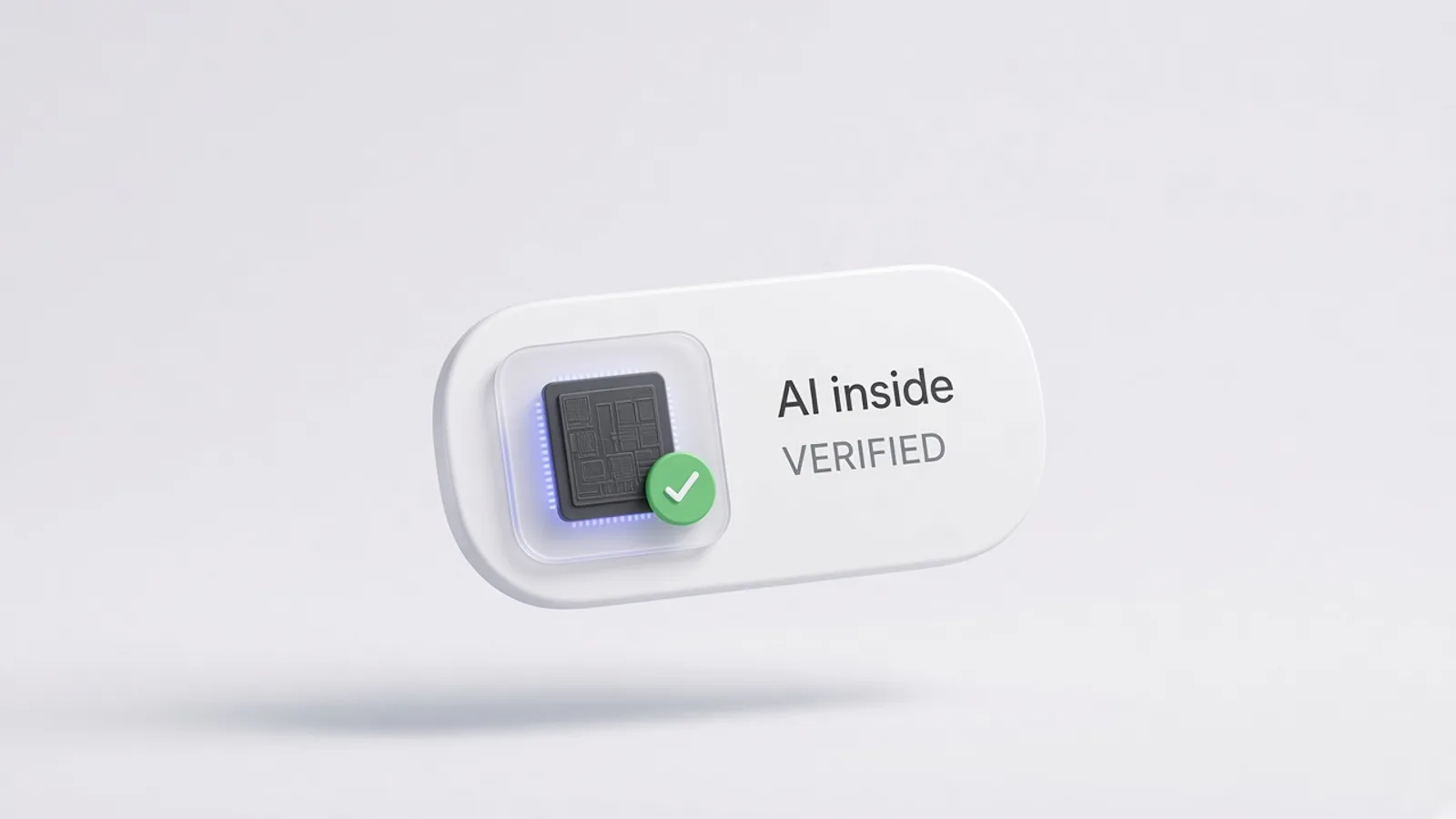
Show people your AI is the real thing.
Every product in the directory has passed the AI inside test. The badge lets your visitors see that, and links to your listing so they can check.
Three steps. About a minute.

Step 1
Find your product
Search the directory for your listing. Only listed products have a badge.
Step 2
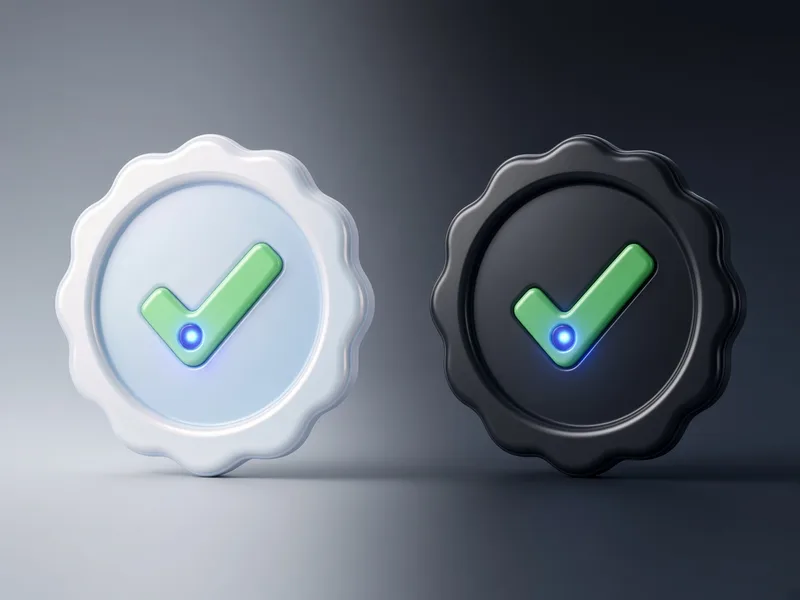
Pick light, dark or auto
Auto switches with your visitor's system theme.

Step 3
Paste it into your site
HTML for websites, Markdown for READMEs and docs. The badge links to your listing.
Get your badge
<a href="https://aiinside.si/p/firefly">
  <picture>
    <source srcset="https://aiinside.si/badge/firefly.svg?theme=dark" media="(prefers-color-scheme: dark)">
    <img src="https://aiinside.si/badge/firefly.svg" width="191" height="56" alt="Adobe Firefly — verified on AI inside">
  </picture>
</a>A few simple rules
Do
- Link it to your listing
- Keep clear space of at least half its height
- Use it at 150px wide or more
- Show it on pages about the product
Don't
- Recolour, crop or redraw it
- Use it for a product that isn't listed
- Imply we endorse your company as a whole
- Place it where it looks like a security or payment seal
Questions
Does it cost anything?
No. Every listed product can use the badge for free.
My product isn't listed. Can I still use it?
Not yet. Submit it for review first.
What happens if a product stops meeting the criteria?
We remove the listing, and its badge stops linking to a live page.
Can I use a different size?
Use Standard or Compact. Both scale cleanly; don't stretch them.